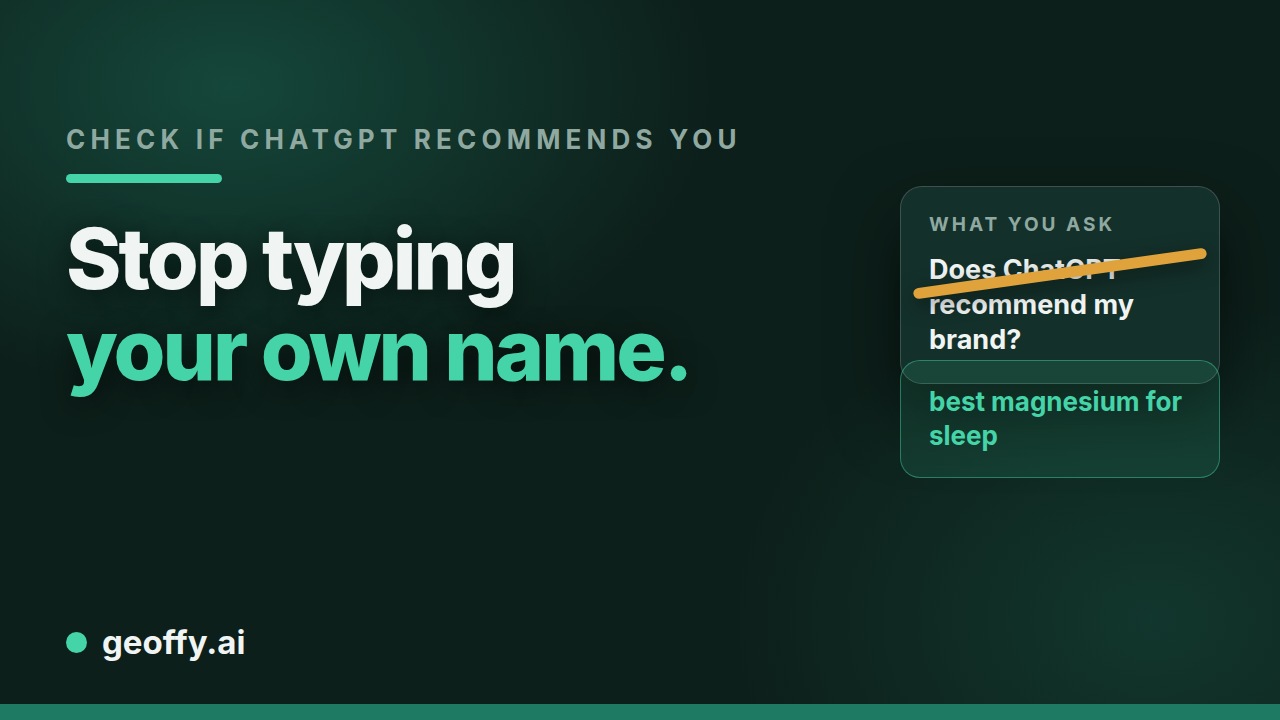
The fastest way to find out whether ChatGPT recommends your brand: ask it the questions your customers ask, without naming yourself, and see if you show up. Below is a repeatable method, how to read what you get back, and what to fix when you’re invisible.
A quick caveat first: AI assistants are probabilistic, and many now fetch the live web for each query. The same question can return different answers on different runs. So this is a pattern-finding exercise, not a single pass/fail: test several phrasings and several runs, and look at the trend.
The quick version: three questions, three depths
Before the full method, a quick test. Ask an assistant three questions, at three depths of buyer intent, without naming your brand:
- Broad: “What’s the best [your category] brand?”
- Mid: “I’m looking for [specific use case].”
- Ultra: “For [exact spec], which brand do you recommend?”
We call these Intent Tiers. They are the same three depths the free AI visibility checker uses. Between them they cover almost every shopping conversation a buyer has with an assistant, and the tier where you miss tells you which conversation to have internally:
- Miss at Broad: a structural problem. The assistant can’t establish who you are or that you belong in the category at all. This usually means missing or contradictory foundational data across your site and the sources AI reads.
- Miss at Mid: a content problem. You exist, but nothing connects your products to the use cases buyers actually describe. Use-case content on your product pages, structured properly, is the lever.
- Miss at Ultra: a specification problem. Your product data doesn’t carry the precise, machine-readable attributes that let an assistant match you to an exact requirement.
Three questions give you a first read. The steps below turn it into a pattern you can trust.
How to check, step by step
1. Write your buyer-intent prompts
List the questions a customer would actually ask an assistant, phrased by need, not by your brand or SKU. For example:
- “Best [product category] for [use case] under [budget]”
- “What [product] should I buy for [specific situation]?”
- “Recommend a [product] for [type of person]”
Aim for 10 to 15 prompts covering your main categories. These are the queries you actually need to win.
2. Ask without naming your brand
Open a fresh chat (no prior context that might bias the answer) and run each prompt. Don’t mention yourself: you want to see who the assistant recommends unprompted.
3. Record whether (and how) you appear
For each prompt, note one of three outcomes: recommended (named in the shortlist), mentioned (appears but not recommended), or absent. Also note who did get recommended: those are your real AI-discovery competitors.
4. Repeat across assistants and runs
Run the same prompts in ChatGPT, Gemini, Perplexity, and Claude, and run the key ones two or three times. Coverage varies a lot between assistants, and a single run can mislead.
5. Probe the gap
Where you’re absent, ask a follow-up: “What are the best options from [your brand]?” If the assistant can describe your products accurately, it knows you exist but didn’t rank you. If it’s vague or wrong, it can’t read your data well: a different, more fundamental problem.
How to read the results
- Recommended consistently: you’re AI-visible for that intent. Protect it and expand to adjacent queries.
- Mentioned but not recommended: the assistant knows you but doesn’t have enough signal to prefer you. Usually a structured-data and page-depth problem.
- Absent, but accurate on follow-up: discoverable but not competitive: strengthen attributes, use-case coverage, and corroborating sources.
- Absent and inaccurate on follow-up: the assistant can’t understand your catalogue. This is the foundational fix: crawlability and structured data first.
Why you’re not getting recommended
The common causes, roughly in order:
- Pages aren’t reliably crawlable by AI crawlers, so your data never enters the picture.
- Attributes aren’t structured: “premium quality” tells a model nothing it can match against intent.
- Pages that answer at only one depth: your product pages describe the SKU but never address the situation, constraint or comparison a shopper actually asks about.
- Stale or contradictory data: wrong prices or availability are strong negative signals and get sources excluded.
- Thin corroboration: few independent sources describe your products, so the model has low confidence.
These map directly onto how AI assistants choose which products to recommend and the groundwork in What is GEO. For how to rank once the foundation is fixed, read how to rank in ChatGPT.
What to do next
Fix the foundation in order: make pages crawlable, structure your product attributes and add schema, write the answer to the real intent question onto the product and category pages you already publish, and keep price and availability in sync. Then re-run the same prompt set and watch the pattern move.
If you’d rather not do the spot-check by hand every week, this is what Geoffy’s weekly AI test does for you: the same buying questions, asked of ChatGPT, Perplexity, Gemini and Claude every week, with every answer saved. Then Geoffy fixes your pages, so the numbers can move. For what to track once you measure, read measuring AI discovery.